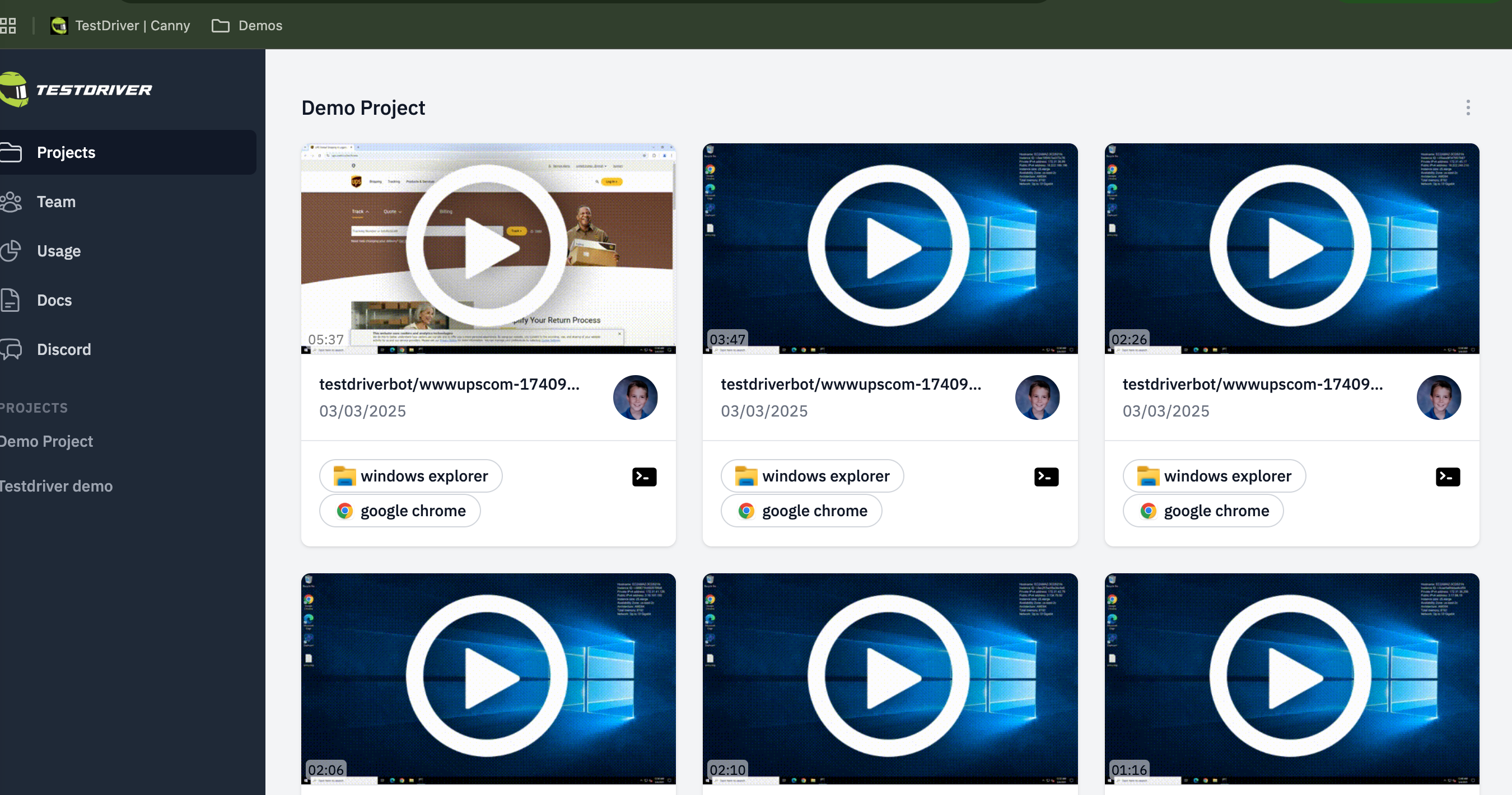
Dashboard project view
In the Project tab, select a Project to see the replays for that project.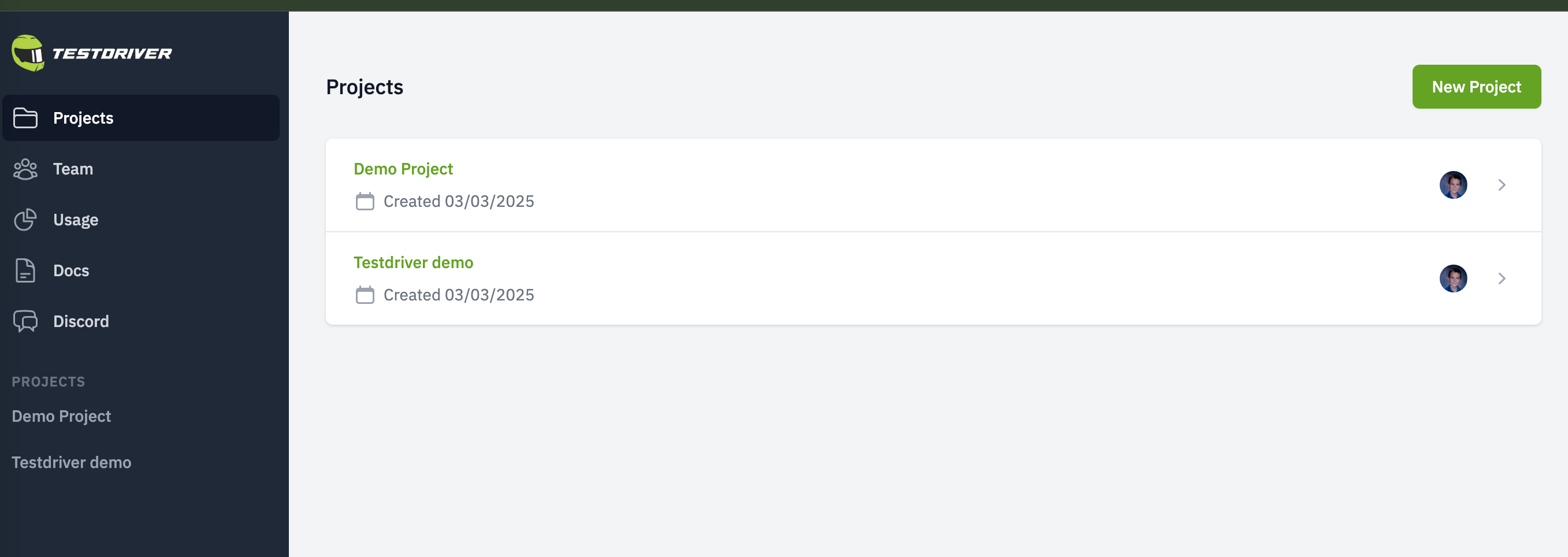
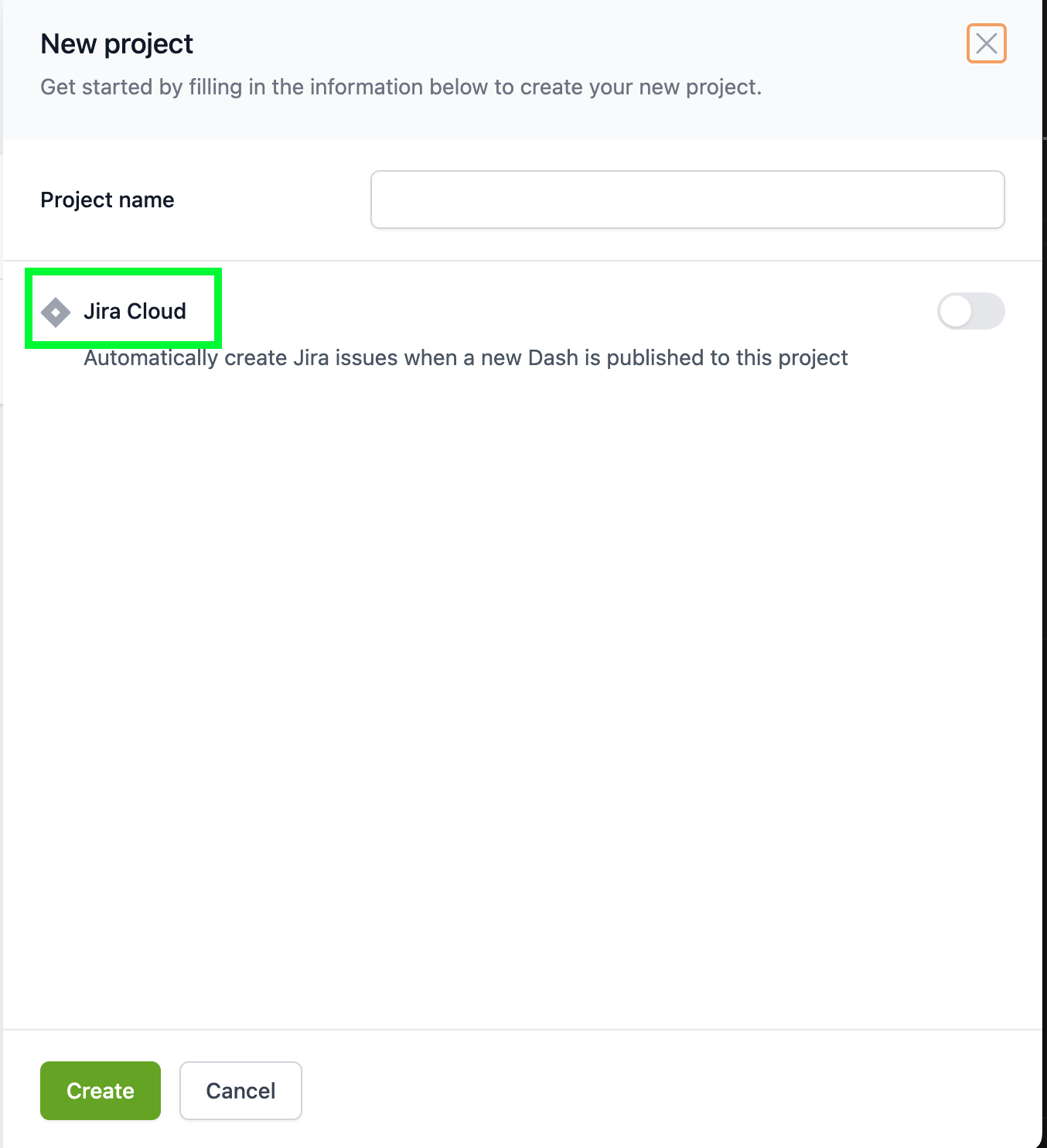
New project
When you create a new Project, you can also enable the Jira integration to create issues automatically each time a replay (Dash) is created.The project ID can be used in conjunction with your
lifecycle/postrun.yaml
script to automatically assign a replay to a project. For more info see the
(Dashcam section)[/guide/dashcam].